Minecraft Redstone Guide for Beginners: Master Automation and Engineering
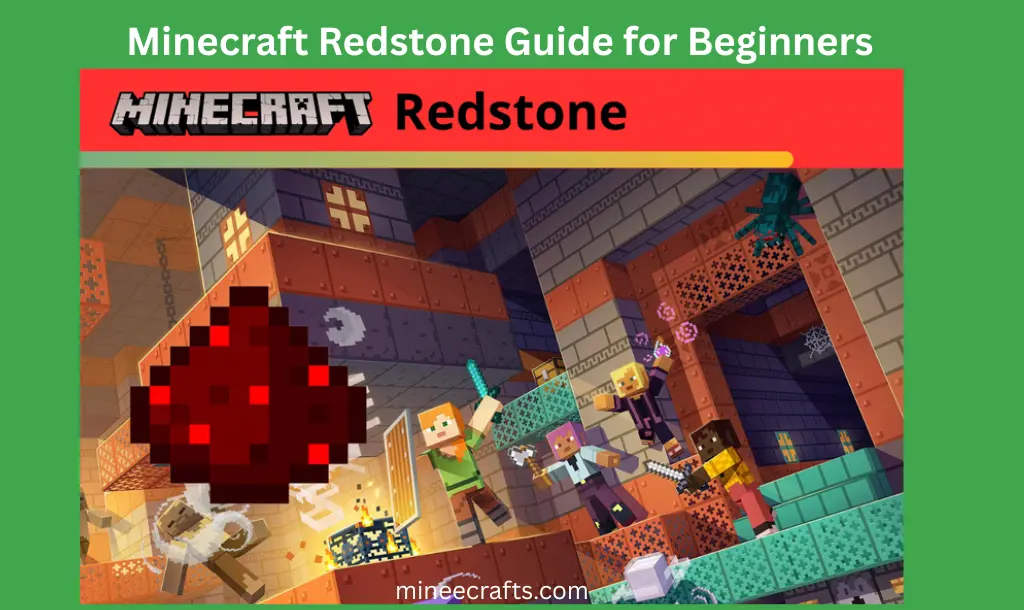
Minecraft is more than just a game where you build things out of blocks; it’s a place to learn how to build things. Redstone is at the center of all this complexity. Redstone is often called the “electricity” of the Minecraft world because it lets players make working machines, automated defense systems, and huge industrial farms.
Many new players think that Redstone is a confusing mess of red dust and torches. But once you understand how it works, you can turn your survival base into a high-tech fortress. This guide will help you go from being a complete beginner to a skilled Redstone engineer by teaching you about parts, mechanics, and how to use them in real life.
What Exactly is Minecraft Redstone?
Redstone is a special mineral that can only be found deep in the Overworld, usually between Y-levels -64 and -16. When you mine it with an iron pickaxe or better, it drops redstone dust. It is used to transmit power and activate different components such as doors, pistons, and lamps.
In the game’s mechanics, redstone exists in two states: powered and unpowered. A “Powered” block or dust can activate adjacent components like doors, pistons, or lamps. The first step to becoming an expert is to learn how power moves and how far it can go.
I remember when I first started using Minecraft redstone, I had no idea how it worked, and even a simple door mechanism seemed hard to use. But once I understood the basics, everything became much easier and a lot more fun.
The Core Components: Your Toolset
You need to know how each part works in order to build a machine. You can think of these as the “electronic parts” of your circuit.
A. Power Sources (Inputs)
A circuit needs a “spark” to start. These are categorized by how they provide power:
- Constant Sources: Redstone blocks and redstone torches send a signal all the time.
- Manual Inputs: Levers (stay ON until toggled), buttons (temporary pulse), and pressure plates (activated by weight).
- Environmental Inputs: Observers (detect block changes), daylight sensors (detect sun/moon), and trapped chests.
B. The Transmitters (Wires)
- Redstone Dust: This is your wire. It carries power. However, it has a “Signal Strength” of 15. Every block it travels, the light gets dimmer until it stops at the 16th block.
- Redstone Repeaters: These are vital. Without repeaters, your circuits won’t work over long distances. They do three things:
- Boost: They reset the signal back to 15.
- Delay: They can slow down a signal (1 to 4 ticks).
- Diode: They only allow power to flow in one direction.
C. The Actuators (Outputs)
These are the things that do something when they get power:
- Pistons & Sticky Pistons: Move blocks.
- Dispensers & Droppers: Shoot arrows, place water, or drop items.
- Redstone Lamps: Provide light.
- TNT: Explodes (be careful!).
- Note Blocks: Play sounds.
Understanding Signal Strength and Logic
The Redstone Comparator is the hardest block in the game, so let’s get started.
The Power of the Comparator
The comparator doesn’t just send power; it also compares it.
- Inventory Checking: If you place a Comparator behind a chest, it will output a signal based on how full the chest is. This is the secret to automatic item sorters.
- Subtraction Mode: It can subtract the signal strength coming from the side from the signal coming from the back. This allows for complex mathematical logic in the game.
Hard Power vs. Soft Power
- Hard Power: When a power source (like a repeater) points directly into a solid block, that block becomes “Hard Powered.” It can then power any dust or component touching it.
- Soft Power: If redstone dust just runs on top of a block, the block is “soft powered.” It can power a lamp by touching it, but it cannot pass power to another piece of dust.
Fundamental Redstone Circuits for Survival
Now that you know the parts, let’s build. These three circuits are essential for every player.
I. The Redstone Clock
A “clock” is a circuit that turns itself ON and OFF repeatedly.
- The Hopper Clock: Two hoppers pointing into each other with one item inside. As the item moves back and forth, it creates a pulse.
- The Observer Clock: Place two observers facing each other. They will detect each other’s “face” and create a rapid-fire signal. This is perfect for automatic sugarcane or bamboo farms.
II. The T-Flip Flop
This circuit turns a “Button” (temporary) into a “Lever” (permanent). When you press the button, the door stays open. When you press it again, it closes. This is achieved using a dropper or a sticky piston with an observer.
III. The Vertical Transmission (Redstone Ladder)
Since Minecraft redstone dust can’t climb vertical walls easily, engineers use a “torch tower.” Placing a torch on a block, then a block on that torch, and another torch on top allows power to travel straight up to your mountain-top base.
Automation: Building Your First Farm
Let’s make a sugarcane farm that works by itself.
- The Base: Place a row of sugarcane next to a water source.
- The Piston: Place a piston one block above the sugarcane (so it breaks the middle stem).
- The Observer: Place an Observer on top of the Piston, facing the sugarcane.
- The Connection: Place a solid block behind the piston and put redstone dust on top of that block.
- The Result: When the sugarcane grows 3 blocks high, the observer “sees” it, triggers the redstone, and the piston smashes the sugarcane into a collection hopper.
Pro-Tips for Redstone Optimization
Building with Redstone can be “laggy” if not done correctly. To keep your Minecraft world running smoothly:
- Avoid excessive lighting updates: Redstone dust creates light when it turns on. In large machines, use redstone lamps or solid blocks to cover the dust to prevent FPS drops.
- Use Hoppers wisely: Too many hoppers checking for items can slow down your phone. Use “Composters” on top of hoppers to reduce lag.
- Color Code Your Wiring: In large builds, use different colors of wool (red for power, blue for input, and green for output). This makes troubleshooting much easier.
In my experience, experimenting is the fastest way to learn Minecraft Redstone. Redstone is not just for fun; it’s very useful. Your gameplay gets a lot better once you learn Redstone.
If you enjoy building and exploring with Redstone, you might sometimes travel far from your base and end up getting lost. In that case, it’s important to know how to safely return without losing your progress. Check out our detailed guide on How to Find a Lost House in Minecraft to learn simple and effective ways to locate your home quickly.
Troubleshooting Common Errors
- Why did my torch burn out? If a torch is powered by its own signal (a loop), it will flash quickly and then “smoke” and turn off.
- Why is my piston not retracting? You might be using a “Zero-Tick” pulse or have a “Quasi-Connectivity” issue (a famous bug/feature in the Java edition where pistons are powered by blocks diagonally above them).
Frequently Asked Questions (FAQs)
Conclusion
Redstone is the soul of advanced Minecraft gameplay. It changes the game from a simple survival game to a world of logic and endless possibilities. You can start with a simple door and work your way up to automated farms. Eventually, you’ll be able to design your own unique machines. Your imagination is the only thing that can stop you.
In my experience, the best way to learn Minecraft Redstone is to start with simple things and practice a lot. Don’t try to build complicated machines right away. Instead, focus on learning how power flows and how different parts work together. Once you get comfortable, you’ll be able to create your own unique Redstone systems and take your Minecraft world to the next level.